Does your AI coding assistant stop helping the moment you need to deploy? That’s a question many developers are tacitly asking themselves as they grapple with the stark reality of containerization, IAM, and YAML. For too long, the dream of frictionless coding has been interrupted by the jarring friction of getting that code out of the laptop and into production.
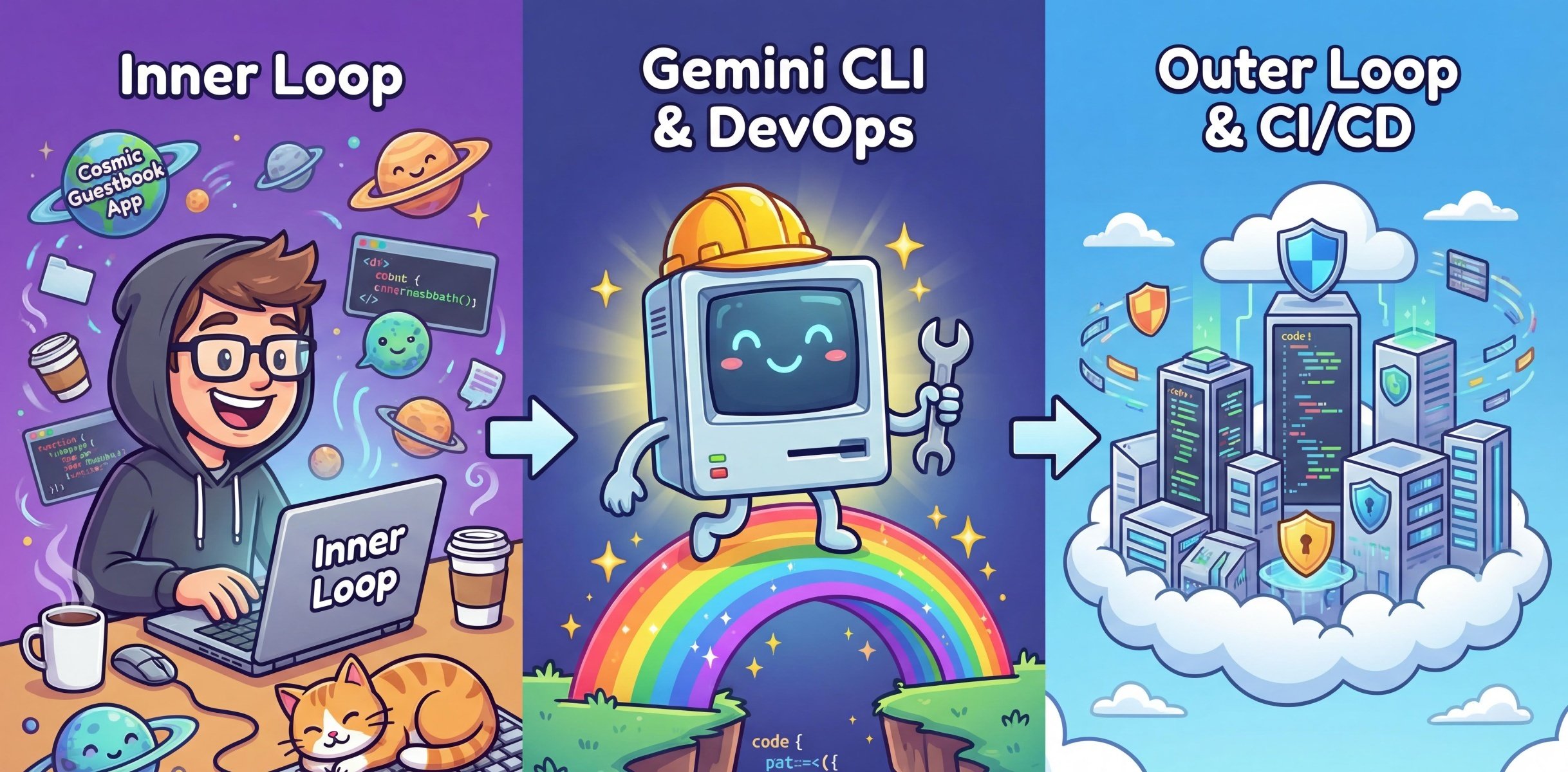
Karl Weinmeister, Director of Developer Relations, articulates this precisely: “This is the classic tension between the inner loop: the fast, local cycle of writing and testing code, and the outer loop: containerization, CI/CD pipelines, and production infrastructure. Most developers are productive in one but not the other, and the gap between them is where projects stall.”
Now, a new Gemini CLI Extension for CI/CD is stepping into that chasm, promising to handle both quick, ad-hoc deployments and the generation of full-blown pipelines directly from the terminal. It’s an ambitious claim, aiming to democratize the deployment process for AI-assisted development.
From Blank Slate to Cosmic Guestbook
The demonstration kicks off with a familiar scenario: an empty directory and the need for a full-stack application. Rather than manual scaffolding, the agent is tasked with generating a React frontend and a Node.js Express backend. The outcome? A backend/ directory with server.js and a frontend/ directory populated with a styled React app, all seemingly conjured from thin air within moments.
This initial step highlights the allure of AI in the inner loop: rapid prototyping and code generation. But as Weinmeister points out, “code on a laptop isn’t shipping.” The real test for any new developer tool, especially one targeting DevOps, lies in its ability to navigate the complexities of the outer loop.
Equipping the Shipyard: Extension Installation
To bridge that gap, the CI/CD extension needs to be integrated into your chosen development environment. The instructions are fairly standard for anyone already embedded in the Google Cloud ecosystem: ensure the gcloud CLI is installed and authenticated via gcloud auth application-default login.
Installation methods vary slightly depending on your preferred AI agent. For Gemini CLI, it’s a direct terminal command. For Claude Code, it involves adding a marketplace plugin. Antigravity users can enable a custom MCP server and add specific skills.
The core of the extension’s functionality appears to rest on a three-tier architecture:
- Skills: These are specialized AI capabilities, like
google-cicd-deployandgoogle-cicd-pipeline-design, which guide the AI agent’s decision-making process. They’re designed to help the AI understand your code, ask pertinent questions, and manage errors. - CI/CD MCP Server: A background Go-based server that acts as the agent’s hands in Google Cloud, capable of everything from secret scanning to provisioning services like Cloud Run.
- Local Knowledge Base: A pre-indexed Retrieval-Augmented Generation (RAG) database containing verified architectural patterns. This grounds the AI’s design decisions in established best practices.
This sophisticated backend aims to translate natural language prompts into actual, deployable infrastructure.
The Inner Loop Accelerated: Deployment in Minutes?
Where this extension truly seeks to shine is in expediting the inner loop. The traditional deployment process—writing Dockerfiles, pushing images, configuring registries—can be a significant time sink. The Gemini CLI Extension aims to compress this into a single natural language prompt, like: gemini "Deploy this application to Google Cloud using the google-cicd-deploy skill".
This is where the AI’s analytical capabilities are put to the test. Before any code even thinks about leaving your machine, the extension performs a critical pre-deployment security scan.
Leaked secrets are one of the most common and expensive security failures in software. GitGuardian’s 2025 State of Secrets Sprawl report found 23.8 million new credentials exposed on public GitHub in a single year; 70% of secrets that were leaked in 2022 are still active today. It happens fast: you hardcode a database password during local testing, forget to remove it, and push.
This security-first approach is laudable. The sheer volume of leaked credentials reported annually underscores the persistent threat. By halting deployments and warning users about sensitive data like API keys or database credentials inadvertently left in source code, the extension aims to prevent costly breaches before they even begin. It’s a necessary guardrail in the push for faster development cycles.
Beyond the Quick Fix: Full Pipeline Generation
But the extension’s ambitions extend beyond simple, one-off deployments. It also purports to generate complete CI/CD pipelines. This implies a deeper understanding of project structure, dependency management, and deployment strategies. The ability to translate a request like “Create a CI/CD pipeline for this Node.js application” into functional YAML for Cloud Build, for instance, would be a significant leap forward.
However, the devil, as always, is in the details. Generating a basic pipeline that spins up a service is one thing. Crafting a strong, scalable, and secure pipeline that handles complex branching, testing, staging environments, and rollback strategies requires a level of sophistication that AI is still developing. The initial demo focuses on the immediate deployment, leaving the true capability of full pipeline generation for later exploration.
The Data-Driven Analyst’s Take
Market dynamics are clear: developer productivity is paramount. Companies are investing heavily in tools that reduce friction and accelerate time-to-market. The promise of AI handling the minutiae of deployment aligns perfectly with this trend. If this extension can reliably move code from a developer’s laptop to a production-ready environment with minimal human intervention, it could significantly impact developer workflows, especially for smaller teams or individual developers who might lack dedicated DevOps expertise.
However, it’s crucial to maintain a degree of skepticism. The history of developer tooling is littered with ambitious promises that fell short. The complexity of modern cloud infrastructure means that truly automated, intelligent CI/CD is an enormous challenge. The extension’s reliance on specific AI models and its integration with Google Cloud services, while understandable, also limits its immediate applicability for those operating outside that ecosystem.
My unique insight here is historical. We saw similar aspirations with early PaaS (Platform as a Service) offerings. They promised to abstract away infrastructure complexity. While successful to a degree, they often introduced their own set of limitations and vendor lock-in. The AI-driven approach to CI/CD faces a similar challenge: can it abstract effectively without becoming another layer of opaque complexity or proprietary dependency?
For now, the Gemini CLI Extension for CI/CD represents a compelling step forward. The emphasis on security during the deployment process is a crucial differentiator. Whether it can truly deliver on the promise of shipping code within minutes for complex applications, or just a simplified demo, remains to be seen. The market will undoubtedly watch closely.
🧬 Related Insights
- Read more: CS Student Ditches AI Coding Crutch — Builds Real Backend Skills in Weeks
- Read more: On-Device AI Tries to Build a Roguelike RPG: 8 Minutes Per Dungeon, and Counting
Frequently Asked Questions
What does the Gemini CLI Extension for CI/CD do?
It aims to automate and simplify the process of deploying code to cloud environments using AI, bridging the gap between local development and production infrastructure.
Is this extension only for Google Cloud?
While the demonstration focuses on Google Cloud services like Cloud Run, the architecture suggests potential for broader applicability depending on the MCP server’s capabilities.
Will this replace DevOps engineers?
It’s more likely to augment the capabilities of developers and potentially automate routine tasks for DevOps engineers, rather than replace them entirely. Complex infrastructure management still requires human oversight.