You’re staring at staging.myapp.com/dashboard/users/123/settings. Time to verify on production. Your fingers, moving on autopilot, navigate the familiar dance: click the URL bar, triple-click to select, delete the domain, type the new one, hit enter. Six seconds. A blink. Except today, it’s 40 times. That’s nearly four minutes of your day, vanished into the ether, a tax on developer time so small it’s become practically invisible. This isn’t about grand architectural battles or complex CI/CD pipelines; it’s the digital equivalent of loose change slipping through your fingers, again and again.
It’s a problem born not of malice, but of sheer, unthinking repetition. We’ve built rockets, we’ve mapped genomes, yet navigating between our own development, staging, and production environments often feels like a throwback to the dial-up era. The same path, just a different hostname. And the cumulative cost? Astonishing.
And so, a developer, tired of this quiet hemorrhage of productivity, built a tool.
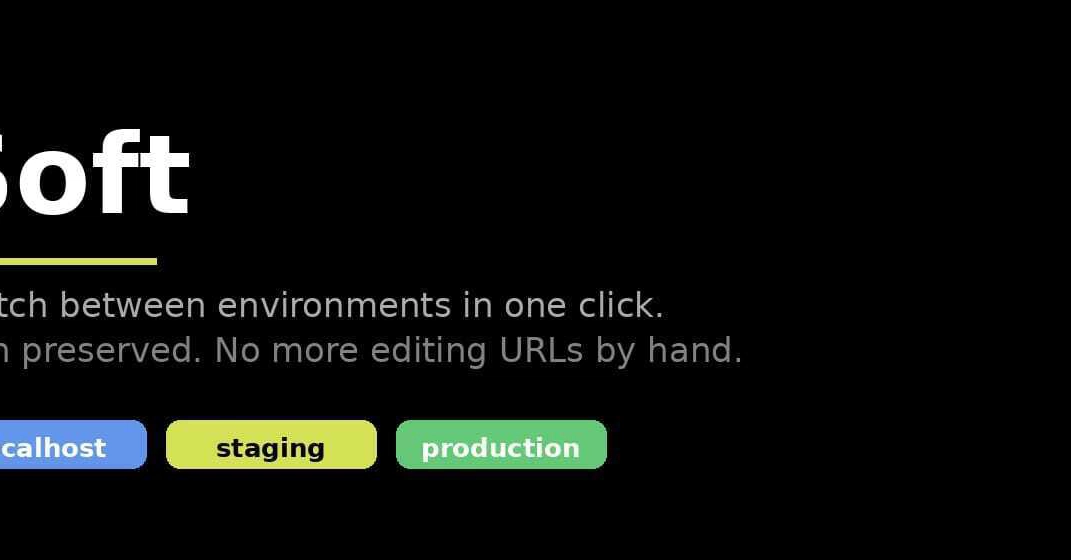
Meet Soft. It’s a Chrome extension, unassuming at first glance, that injects a small, persistent bar at the top of your configured web pages. The promise: one click to jump between environments, preserving the exact URL path, query parameters, and hash intact. No more manual domain wrangling. Imagine it: staging to prod, prod to local, all with the effortless grace of a single mouse click. The setup is reportedly straightforward – a minute or so to map your environment URLs within the extension’s popup – and then, the bar appears, a silent guardian of your time, your environments listed, ready for your command.
Danger Mode: The Unsung Hero
But Soft isn’t just about shaving seconds; it’s about preventing catastrophes. The feature the creator seems most proud of is aptly named Danger Mode. When you’re on production, this bar glows an insistent red. Think about it. Every developer has that story. The migration script accidentally run on live data. The sensitive email sent to actual customers. The DELETE statement that found its way to the wrong database. Danger Mode is the digital equivalent of a safety harness, a visual cue designed to jolt you out of autopilot and prevent those career-defining blunders. It’s free, it’s always on, and crucially, it requires zero configuration – a smart implementation of a deeply felt need.
The Sticky Notes and the Pro Tier
Beyond the critical safety feature, Soft offers a pro tier with more nuanced productivity enhancements. The “sticky notes” feature, for instance, sounds deceptively simple. The ability to leave a floating note keyed to a specific URL and environment is a quiet game-changer for those who constantly juggle complex test data, known bugs, or obscure credentials. No more digging through Slack archives or Evernote for that one piece of information that always seems to escape you when you need it most. These notes are right there, on the page, in the environment, exactly where your brain expects them to be.
The free tier generously offers two apps with two environments each, along with the essential Danger Mode and path-preserving switching. For $6 a month, the Pro tier unlocks unlimited apps and environments, the aforementioned sticky notes, and team configuration export options in JSON or YAML. It’s a tiered approach that makes sense: address the universal pain point for free, and offer power-user features for those who truly live in a multi-environment world.
This isn’t just another Chrome extension; it’s an architectural intervention, albeit a micro one. It recognizes that developer productivity isn’t solely about massive codebases or complex algorithms. It’s often about the insidious friction of mundane tasks, the small inefficiencies that accumulate into a mountain of wasted hours. By focusing on this often-overlooked “tiny friction,