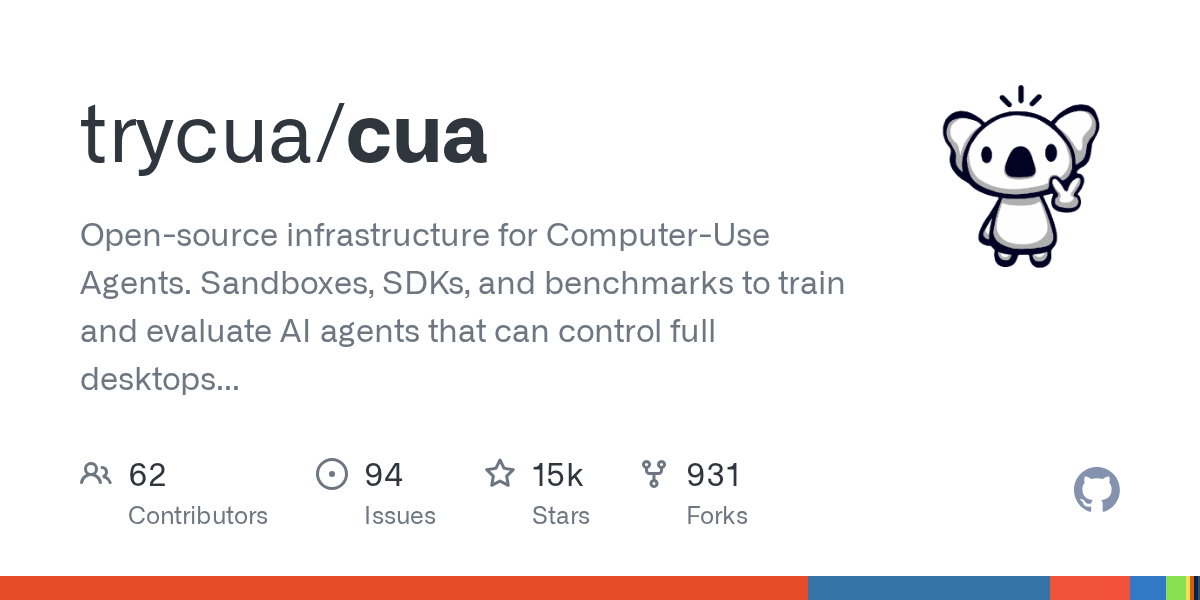
Look, the dream for many a developer and power user is simple: get your machine to do the tedious work without getting in your own way. On macOS, this has always been a bit of a tightrope walk. Accessibility APIs have been the go-to, but they often lead to applications grabbing focus unexpectedly, shattering workflows and leaving you wondering what just happened. Everyone expected more sophisticated AI agents to eventually navigate these limitations, but the underlying OS mechanics remained a stubborn hurdle. That is, until now. The release of Cua, a new open-source project, throws a wrench into those expectations, and frankly, it’s about time.
Cua’s core promise is deceptively straightforward: drive any native macOS app in the background. No more cursor hijacking. No more stolen focus. No more unexpected Space bar presses. This isn’t just about scripting clicks; it’s about programmatic control that feels, dare I say, invisible. For those of us who’ve wrestled with AppleScript’s often-brittle nature or painstakingly configured UI scripting to avoid system-wide disruptions, this is a breath of fresh air. The implications for building truly autonomous AI agents, especially those designed for complex desktop interactions, are immense.
Beyond the Cursor: What Cua Actually Does
What sets Cua apart is its ability to operate even on those notoriously difficult, non-Accessibility Server (AX) surfaces. Think about it: web content in Chromium, the complex canvases of Figma and Blender, or the complex interfaces of Digital Audio Workstations (DAWs) and game engines. These are the very applications where traditional automation tools often falter, tripping over themselves because they can’t “see” or “interact” with the content in a standard way. Cua claims to handle this, and initial demonstrations suggest they’re not just blowing smoke.
The architecture, as outlined in their README, seems to use low-level hooks to orchestrate mouse clicks, keyboard input, and even verification without requiring the application to be in the foreground. The kicker? Every interaction session is recorded as a replayable trajectory. This is absolutely critical for developing and debugging AI agents. Imagine training a model on millions of genuine user interactions, captured without the artificial constraints we’ve previously had to impose.
Every session records as a replayable trajectory.
The project offers several components, including cuabot, which acts as a sandbox for AI coding agents, presenting windows natively on your desktop with features like H.265 streaming, shared clipboard, and audio. This sounds remarkably similar to what some commercial remote access and VM solutions offer, but packaged as an open-source tool for agent development. For local development and testing, cua-driver seems to be the engine, allowing interaction with applications. The cua-sandbox SDK provides a programmatic interface, and cua-computer-server handles the low-level UI interactions. For those focused on benchmarking and reinforcement learning environments for computer-use agents, cua-bench provides the necessary tools and datasets.
The VM Angle: Lume and Cross-Platform Ambitions
But Cua’s vision doesn’t stop at macOS automation. The inclusion of lume is particularly interesting. This component is designed to create and manage macOS and Linux VMs on Apple Silicon with “near-native performance” using Apple’s Virtualization.framework. This isn’t entirely novel; several companies are building solutions in this space. However, Cua’s approach is to integrate VM management directly into its broader automation framework. This implies a future where AI agents can be spun up in isolated, controlled virtual environments, perform tasks, and then be torn down, all managed by the Cua ecosystem.
The project also boasts a broader cross-platform ambition, offering APIs for Linux containers, Linux VMs, Windows, and Android. While the macOS driver is the headline feature for this particular Show HN, the underlying architecture is clearly designed for wider applicability. The CLI installation script itself is telling: curl -fsSL ... install.sh. This familiar pattern, common in many open-source projects, aims for rapid adoption and ease of use.
A Skeptic’s View: Hype or the Real Deal?
Let’s be clear: the claims are bold. Achieving true background control across all native macOS applications, especially those with custom rendering or complex graphics, is a non-trivial engineering feat. The market is littered with automation tools that promise the moon and deliver a crater. However, the specifics Cua provides—the emphasis on non-AX surfaces, replayable trajectories, and the integration with VM management—suggest a level of technical depth that warrants attention. It’s not just another wrapper around existing APIs.
The integration with popular AI coding assistants like Claude Code (via cuabot claude) and Cursor is a smart move, directly targeting a rapidly growing segment of the developer tool market. The ability for these agents to interact with a local machine’s GUI in a controlled, background manner could unlock entirely new capabilities for code generation, debugging, and even user interface testing at scale. This moves beyond just code completion to actual task execution on a simulated or real desktop environment.
My primary concern? Stability and long-term maintenance. Projects that aim to operate at this low level of the OS are inherently fragile, susceptible to OS updates and changes in application architectures. Furthermore, the licensing, while MIT for the core, has some caveats for optional components and dependencies (like ultralytics under AGPL-3.0) which could affect commercial adoption for certain use cases. But for the open-source community and individual developers, this is a significant development.
Why does this matter for developers? It signifies a potential paradigm shift in how we build and deploy AI agents that interact with desktop applications. Instead of relying solely on web interfaces or cloud-based services, agents could soon operate directly on your local machine, performing complex GUI tasks with unprecedented fidelity. This could democratize sophisticated automation previously only available to large enterprises with dedicated engineering teams.
🧬 Related Insights
- Read more: An AI Agent Vanished for 7 Hours — And No One Cared
- Read more: HCP Packer’s SBOM Scanning: Vulnerabilities Caught in Seconds
Frequently Asked Questions
What does Cua actually do? Cua is a tool that allows for programmatic control of native macOS applications in the background, without stealing focus or the cursor. It’s designed for building AI agents that can interact with desktop GUIs.
Is Cua safe to install?
Cua is an open-source project. While the installation script uses curl -fsSL, a common practice, users should always review the source code of any script they run on their system. The project is hosted on GitHub, allowing for community inspection.
Will this replace my job? Tools like Cua are designed to automate repetitive or tedious tasks. They can augment human capabilities and free up developers to focus on more complex, creative, or strategic work. It’s unlikely to replace jobs wholesale but will likely change how many jobs are performed.